Ionic And Django Kickoff
Template documentation version 1.0
Introduction
- Item Name : Ionic And Django Kickoff
- Item Version : v 1.0
- Author : Christophe Surbier
Thanks for your interest to www.ionicanddjangokickoff.com.
This documentation is to help you understanding the code generated and which features are available.
Getting Started
To have your Ionic and Django package generated, you need to provide a models.py file. This file should be a Django standard one, and contains your models.
Based on your models.py, the generator will deploy automatically a virtual environnement and install some libraries to be able to generate the code. Here are the libraries already included in the package:
Libraries included in the requirements.txt file
Django==3
django-registration
djangorestframework
psycopg2==2.8.4 --no-binary psycopg2
sendgrid
django-extensions
cookiecutter
mysql-connector-python
stripe
kombu==4.5.0
redis==3.2.0
django-redis==4.8.0
hiredis==0.2.0
celery==4.2.1
pycountry
xhtml2pdf --pre
WeasyPrint
To upload your models.py file, you need to fill a form with some information
| Name of the application | Your ionic and Django package will be named this value |
| Domain url | The url on which you will deploy the Django project. You can enter http://127.0.0.1:8000 if you run the django server on your machine for development |
| Include user model | The generator needs to have an User class to generate all the code related to authentification.
If you haven't already incluced the User in your models.py file, check this option. Please read next section for more details |
| Specific requirements | If you need libraries which are not included in the default requirements.txt mentionned above, please use this box to list them. You can use this box to enter your specific django packages (if any). |
| Fileupload | Just browse to select your models.py file in your disk |
About the User requirement
Please read this section carefuly. Without providing a User in your models, the package generation will fail.
User
The Ionic application contains register and login pages as any usual mobile application (Package Silver, Gold and Business only). To deal with authentication it is obvious that we need to have a user which is why we need to have a User into our Django project too.
To do so, the generator uses the standard Django authentication system and expect to find a User
But because most of the time, mobile application expects to login users with an email and not a username (which is the defaut for Django), we need to
override the standard User to manage this.
So your models.py expects to find a User Model Using a Custom Model Extending AbstractBaseUser. If you don't include it, please specify it by checking the option in the form we discussed above.
Then the generator will automatically add this class:
class UserManager(BaseUserManager):
    use_in_migrations = True

    def _create_user(self, email, password, **extra_fields):
        if not email:
            raise ValueError('The given email must be set')
        email = self.normalize_email(email)
        user = self.model(email=email, **extra_fields)
        user.set_password(password)
        user.save(using=self._db)
        return user

    def create_user(self, email, password=None, **extra_fields):
        extra_fields.setdefault('is_superuser', False)
        return self._create_user(email, password, **extra_fields)

    def create_superuser(self, email, password, **extra_fields):
        extra_fields.setdefault('is_superuser', True)

        if extra_fields.get('is_superuser') is not True:
            raise ValueError('Superuser must have is_superuser=True.')

        return self._create_user(email, password, **extra_fields)


class User(AbstractBaseUser, PermissionsMixin):
    id = models.UUIDField(primary_key=True, default=uuid.uuid4, editable=False)
    email = models.EmailField(_('email address'), unique=True)
    first_name = models.CharField(_('first name'), max_length=30, blank=True)
    last_name = models.CharField(_('last name'), max_length=30, blank=True)
    date_joined = models.DateTimeField(_('date joined'), auto_now_add=True)
    is_active = models.BooleanField(_('active'), default=True)
    is_staff = models.BooleanField(_('staff'), default=True)
    avatar = models.ImageField(upload_to='avatars/', null=True, blank=True)

    objects = UserManager()

    USERNAME_FIELD = 'email'
    REQUIRED_FIELDS = []

    class Meta:
        verbose_name = _('user')
        verbose_name_plural = _('users')

    def get_full_name(self):
        '''
        Returns the first_name plus the last_name, with a space in between.
        '''
        full_name = '%s %s' % (self.first_name, self.last_name)
        return full_name.strip()

    def get_short_name(self):
        '''
        Returns the short name for the user.
        '''
        return self.first_name
to your models.py file.
AppProfile and Stripe subscriptions
For Gold and Business packages the Ionic application includes pages to deal with Stripe features (SCA Ready and ready to use) such as:
- Save a credit card for later payment
- Pay with a saved card
- Pay with a credit card (not saved)
- Subscribe a user to a subscription
- Unsubscribe a user to a subscription
To manage this features and generate the Ionic and Backend code, extra classes are required and added automatically to your models.py after the upload.
Here are these classes:
class StripeSubscription(models.Model):
    id = models.UUIDField(primary_key=True, default=uuid.uuid4, editable=False)
    name = models.CharField(max_length=255)
    description = models.TextField(max_length=2048)
    price = models.FloatField()
    enabled = models.BooleanField(default=True)
    stripeSubscriptionPlanId = models.CharField(max_length=255, default='NONE', blank=True)
    created_at = models.DateTimeField(auto_now_add=True)

    class Meta:
        verbose_name = "Subscription"
        verbose_name_plural = "Subscriptions"
        ordering = ['-created_at']

    def __str__(self):
        return self.name

class AppProfile(models.Model):
    id = models.UUIDField(primary_key=True, default=uuid.uuid4, editable=False)
    user = models.OneToOneField(User, on_delete=models.CASCADE)
    facebookToken = models.CharField(max_length=200, null=True, blank=True)
    googleToken = models.CharField(max_length=200, null=True, blank=True)
    appleToken = models.CharField(max_length=200, null=True, blank=True)
    online = models.BooleanField(default=False)
    lastConnexionDate = models.DateTimeField(null=True, blank=True)
    valid = models.BooleanField(default=True)
    stripeCustomerId = models.CharField(max_length=255, default=None, blank=True,null=True)
    stripePaymentMethodId = models.CharField(max_length=255, default=None, blank=True,null=True)
    stripeSubscriptionId = models.CharField(max_length=255, default=None, blank=True,null=True)
    refSubscription = models.ForeignKey(StripeSubscription, models.PROTECT, null=True, blank=True)
    subscriptionValid = models.BooleanField(default=False)
    subscriptionDate = models.DateTimeField(auto_now_add=True)
    subscriptionTransactionId = models.CharField(max_length=255, default=None, blank=True,null=True)
    subscriptionCancel = models.BooleanField(default=False)
    purchaseId = models.CharField(max_length=255, null=True, blank=True)
    pushAccepted = models.BooleanField(default=False)
    createdAt = models.DateTimeField(auto_now_add=True)
    updatedAt = models.DateTimeField(auto_now=True)

    def __str__(self):
        return self.user.email
StripeSubscription
the StripeSubcription model should be used to declare your Stripe subscriptions such as Annual, Monthly, ...
You can give a name to the subscription, a description, a price, enable or disable the subscription (from your model, admin point of view) and the most important thing: the stripeSubscriptionPlanId meaning the identification of the subscription in the Stripe platform.
Of course you need to have an knowledge of Stripe to understand this. If not, please refer to the Stripe documentation.
AppProfile
The AppProfile model is used to store extra information about the user, such as his lastConnexionData, his facebookToken (if he registered with Facebook on the Ionic application), ... And of course all information about Stripe such as customerId, subscriptions...
Don't hesitate to add extra fields in this table in the code generated that you received.
Sample models.py file
Our models.py file as example
Let's have a concrete example of models.py file which will help us to better understand the code that will be generated
# Models for an eShop.
# -*- coding: utf-8 -*-
from __future__ import unicode_literals
import urllib
import uuid
from urllib.request import urlopen
from django.contrib.auth.base_user import BaseUserManager, AbstractBaseUser
from django.contrib.auth.models import PermissionsMixin
from django.shortcuts import reverse
from django.db import models
from django.utils.encoding import smart_str
from django.utils.safestring import mark_safe
from django.utils.translation import ugettext_lazy as _
from django.utils.datetime_safe import datetime
from django.core.exceptions import ValidationError
from django.http import HttpResponseRedirect
from django.utils import timezone
from django.contrib.gis.db import models
class UserManager(BaseUserManager):
use_in_migrations = True
def _create_user(self, email, password, **extra_fields):
if not email:
raise ValueError('The given email must be set')
email = self.normalize_email(email)
user = self.model(email=email, **extra_fields)
user.set_password(password)
user.save(using=self._db)
return user
def create_user(self, email, password=None, **extra_fields):
extra_fields.setdefault('is_superuser', False)
return self._create_user(email, password, **extra_fields)
def create_superuser(self, email, password, **extra_fields):
extra_fields.setdefault('is_superuser', True)
if extra_fields.get('is_superuser') is not True:
raise ValueError('Superuser must have is_superuser=True.')
return self._create_user(email, password, **extra_fields)
class User(AbstractBaseUser, PermissionsMixin):
id = models.UUIDField(primary_key=True, default=uuid.uuid4, editable=False)
email = models.EmailField(_('email address'), unique=True)
first_name = models.CharField(_('first name'), max_length=30, blank=True)
last_name = models.CharField(_('last name'), max_length=30, blank=True)
date_joined = models.DateTimeField(_('date joined'), auto_now_add=True)
is_active = models.BooleanField(_('active'), default=True)
is_staff = models.BooleanField(_('staff'), default=True)
avatar = models.ImageField(upload_to='avatars/', null=True, blank=True)
objects = UserManager()
USERNAME_FIELD = 'email'
REQUIRED_FIELDS = []
class Meta:
verbose_name = _('user')
verbose_name_plural = _('users')
def get_full_name(self):
full_name = '%s %s' % (self.first_name, self.last_name)
return full_name.strip()
def get_short_name(self):
return self.first_name
class News(models.Model):
id = models.UUIDField(primary_key=True, default=uuid.uuid4, editable=False)
title = models.CharField(max_length=250)
text = models.TextField()
image = models.ImageField(upload_to="media")
createdAt = models.DateTimeField(auto_now_add=True)
updatedAt = models.DateTimeField(auto_now=True)
class Meta:
verbose_name = _('News')
verbose_name_plural = _('News')
ordering = ['-createdAt']
def getThumb(self):
return mark_safe(' ' % self.image.url)
getThumb.short_description = 'Thumbnail'
class Category(models.Model):
id = models.UUIDField(primary_key=True, default=uuid.uuid4, editable=False)
name = models.CharField(max_length=100, verbose_name=_('name'))
image = models.ImageField(blank=True)
online = models.BooleanField(default=True, verbose_name=_('online'))
createdAt = models.DateTimeField(auto_now_add=True)
updatedAt = models.DateTimeField(auto_now=True)
class Meta:
verbose_name = _('Categorie')
verbose_name_plural = _('Categories')
def __str__(self):
return str(self.name)
class Product(models.Model):
id = models.UUIDField(primary_key=True, default=uuid.uuid4, editable=False)
name = models.CharField(max_length=100, verbose_name=_('name'))
mainImage = models.ImageField(blank=True)
shortDescription = models.CharField(
max_length=255, null=True, blank=True, verbose_name=_('shortDescription'))
description = models.TextField(null=True, blank=True)
refCategory = models.ForeignKey(
Category, related_name='category_product', on_delete=models.CASCADE, verbose_name=_('refCategory'))
priceWithoutVat = models.FloatField(
default=0, verbose_name=_('price without vat'))
online = models.BooleanField(default=True, verbose_name=_('online'))
createdAt = models.DateTimeField(auto_now_add=True)
updatedAt = models.DateTimeField(auto_now=True)
class Meta:
verbose_name = _('Product')
verbose_name_plural = _('Products')
ordering = ['-createdAt']
def __str__(self):
return "%s - %s" % (self.refCategory, self.name)
def image(self):
return self.mainImage
def price(self):
return self.priceWithoutVat
def getThumb(self):
if self.mainImage:
return mark_safe('' % self.mainImage.url)
else:
return _('No Logo')
getThumb.short_description = 'Thumbnail'
def get_product_url(self):
return reverse("backoffice:product", kwargs={
'id': self.id
})
def idString(self):
return str(self.id)
class Order(models.Model):
"""
orders
"""
id = models.UUIDField(primary_key=True, default=uuid.uuid4, editable=False)
orderNumber = models.PositiveIntegerField(
"Order Number", null=True, default=None, unique=True)
refUser = models.ForeignKey(User, on_delete=models.PROTECT)
totalPrice = models.FloatField(default=0, verbose_name=_('totalPrice'))
status_choix = (
(0, _("Ordered")),
(1, _("Paid")),
(2, _("Payment refused")),
(3, _("Waiting confirmation")),
(4, _("Accepted")),
(5, _("Declined")),
(6, _("To deliver")),
(7, _("Delivered")),
(8, _("Reception confirmed")),
(9, _("To refund")),
(10, _("Refunded")),
(11, _("Canceled")),
(12, _("Error Refund")),
(13, _("Unknown technical error")),
(14, _("Order aborted")),
(15, _("Not delivered")),
(16, _("Order modified")),
)
orderStatus = models.IntegerField(choices=status_choix, default=0)
statusComment = models.TextField(null=True, blank=True)
stripeChargeId = models.CharField(max_length=255, default='')
createdAt = models.DateTimeField(auto_now_add=True)
updatedAt = models.DateTimeField(auto_now=True)
class Meta:
verbose_name = _('Order')
verbose_name_plural = _('Orders')
ordering = ['-createdAt', ]
def __str__(self):
return u'%s (%s - %d)' % (self.orderNumber, self.refUser, self.totalPrice)
def idString(self):
return str(self.id)
def save(self, *args, **kwargs):
if self.orderNumber is None:
self.get_or_assign_number()
super(Order, self).save(*args, **kwargs)
def get_or_assign_number(self):
if self.orderNumber is None:
epoch = timezone.now()
epoch = epoch.replace(epoch.year, 1, 1)
qs = Order.objects.filter(
orderNumber__isnull=False, createdAt__gt=epoch)
qs = qs.aggregate(models.Max('orderNumber'))
try:
epoc_number = int(str(qs['orderNumber__max'])[5:]) + 1
self.orderNumber = int(
'{0}{1:06d}'.format(epoch.year, epoc_number))
except (KeyError, ValueError):
# the first order this year
self.orderNumber = int('{0}000001'.format(epoch.year))
return self.get_orderNumber()
def get_orderNumber(self):
return '{0}-{1}'.format(str(self.orderNumber)[:5], str(self.orderNumber)[5:])
@classmethod
def resolve_number(cls, orderNumber):
orderNumber = orderNumber[:4] + orderNumber[5:]
return dict(orderNumber=orderNumber)
class OrderProduct(models.Model):
id = models.UUIDField(primary_key=True, default=uuid.uuid4, editable=False)
refOrder = models.ForeignKey(
Order, on_delete=models.CASCADE, related_name='orderproducts')
refProduct = models.ForeignKey(Product, on_delete=models.PROTECT)
quantity = models.IntegerField(default=1, verbose_name=_('quantity'))
pricePaid = models.FloatField(default=0, verbose_name=_('pricePaid'))
createdAt = models.DateTimeField(auto_now_add=True)
updatedAt = models.DateTimeField(auto_now=True)
class Meta:
verbose_name = _('OrderProduct')
verbose_name_plural = _('OrderProducts')
ordering = ['refOrder', ]
def __str__(self):
return u'%s - %s' % (self.refOrder, self.refProduct)
def idString(self):
return str(self.id)
def save(self, *args, **kwargs):
super(OrderProduct, self).save(*args, **kwargs)
' % self.image.url)
getThumb.short_description = 'Thumbnail'
class Category(models.Model):
id = models.UUIDField(primary_key=True, default=uuid.uuid4, editable=False)
name = models.CharField(max_length=100, verbose_name=_('name'))
image = models.ImageField(blank=True)
online = models.BooleanField(default=True, verbose_name=_('online'))
createdAt = models.DateTimeField(auto_now_add=True)
updatedAt = models.DateTimeField(auto_now=True)
class Meta:
verbose_name = _('Categorie')
verbose_name_plural = _('Categories')
def __str__(self):
return str(self.name)
class Product(models.Model):
id = models.UUIDField(primary_key=True, default=uuid.uuid4, editable=False)
name = models.CharField(max_length=100, verbose_name=_('name'))
mainImage = models.ImageField(blank=True)
shortDescription = models.CharField(
max_length=255, null=True, blank=True, verbose_name=_('shortDescription'))
description = models.TextField(null=True, blank=True)
refCategory = models.ForeignKey(
Category, related_name='category_product', on_delete=models.CASCADE, verbose_name=_('refCategory'))
priceWithoutVat = models.FloatField(
default=0, verbose_name=_('price without vat'))
online = models.BooleanField(default=True, verbose_name=_('online'))
createdAt = models.DateTimeField(auto_now_add=True)
updatedAt = models.DateTimeField(auto_now=True)
class Meta:
verbose_name = _('Product')
verbose_name_plural = _('Products')
ordering = ['-createdAt']
def __str__(self):
return "%s - %s" % (self.refCategory, self.name)
def image(self):
return self.mainImage
def price(self):
return self.priceWithoutVat
def getThumb(self):
if self.mainImage:
return mark_safe('' % self.mainImage.url)
else:
return _('No Logo')
getThumb.short_description = 'Thumbnail'
def get_product_url(self):
return reverse("backoffice:product", kwargs={
'id': self.id
})
def idString(self):
return str(self.id)
class Order(models.Model):
"""
orders
"""
id = models.UUIDField(primary_key=True, default=uuid.uuid4, editable=False)
orderNumber = models.PositiveIntegerField(
"Order Number", null=True, default=None, unique=True)
refUser = models.ForeignKey(User, on_delete=models.PROTECT)
totalPrice = models.FloatField(default=0, verbose_name=_('totalPrice'))
status_choix = (
(0, _("Ordered")),
(1, _("Paid")),
(2, _("Payment refused")),
(3, _("Waiting confirmation")),
(4, _("Accepted")),
(5, _("Declined")),
(6, _("To deliver")),
(7, _("Delivered")),
(8, _("Reception confirmed")),
(9, _("To refund")),
(10, _("Refunded")),
(11, _("Canceled")),
(12, _("Error Refund")),
(13, _("Unknown technical error")),
(14, _("Order aborted")),
(15, _("Not delivered")),
(16, _("Order modified")),
)
orderStatus = models.IntegerField(choices=status_choix, default=0)
statusComment = models.TextField(null=True, blank=True)
stripeChargeId = models.CharField(max_length=255, default='')
createdAt = models.DateTimeField(auto_now_add=True)
updatedAt = models.DateTimeField(auto_now=True)
class Meta:
verbose_name = _('Order')
verbose_name_plural = _('Orders')
ordering = ['-createdAt', ]
def __str__(self):
return u'%s (%s - %d)' % (self.orderNumber, self.refUser, self.totalPrice)
def idString(self):
return str(self.id)
def save(self, *args, **kwargs):
if self.orderNumber is None:
self.get_or_assign_number()
super(Order, self).save(*args, **kwargs)
def get_or_assign_number(self):
if self.orderNumber is None:
epoch = timezone.now()
epoch = epoch.replace(epoch.year, 1, 1)
qs = Order.objects.filter(
orderNumber__isnull=False, createdAt__gt=epoch)
qs = qs.aggregate(models.Max('orderNumber'))
try:
epoc_number = int(str(qs['orderNumber__max'])[5:]) + 1
self.orderNumber = int(
'{0}{1:06d}'.format(epoch.year, epoc_number))
except (KeyError, ValueError):
# the first order this year
self.orderNumber = int('{0}000001'.format(epoch.year))
return self.get_orderNumber()
def get_orderNumber(self):
return '{0}-{1}'.format(str(self.orderNumber)[:5], str(self.orderNumber)[5:])
@classmethod
def resolve_number(cls, orderNumber):
orderNumber = orderNumber[:4] + orderNumber[5:]
return dict(orderNumber=orderNumber)
class OrderProduct(models.Model):
id = models.UUIDField(primary_key=True, default=uuid.uuid4, editable=False)
refOrder = models.ForeignKey(
Order, on_delete=models.CASCADE, related_name='orderproducts')
refProduct = models.ForeignKey(Product, on_delete=models.PROTECT)
quantity = models.IntegerField(default=1, verbose_name=_('quantity'))
pricePaid = models.FloatField(default=0, verbose_name=_('pricePaid'))
createdAt = models.DateTimeField(auto_now_add=True)
updatedAt = models.DateTimeField(auto_now=True)
class Meta:
verbose_name = _('OrderProduct')
verbose_name_plural = _('OrderProducts')
ordering = ['refOrder', ]
def __str__(self):
return u'%s - %s' % (self.refOrder, self.refProduct)
def idString(self):
return str(self.id)
def save(self, *args, **kwargs):
super(OrderProduct, self).save(*args, **kwargs)
This is a minimal eShop model with:
- Categories
- Products
- Order
- OrderProduct
Ok with that models.py file, let's filling the form and upload it
| Name of the application | eShop |
| Domain url | http://127.0.0.1:8000 |
| Include user model | Uncheck the box since the User model is already on our models.py file |
| Specific requirements | |
| Fileupload | Just browse to select your models.py file in your disk |
Once uploaded, we need to wait a little bit (few minutes) that the generator tools scaffolds our project and send us an email. The you should receive an email like this:
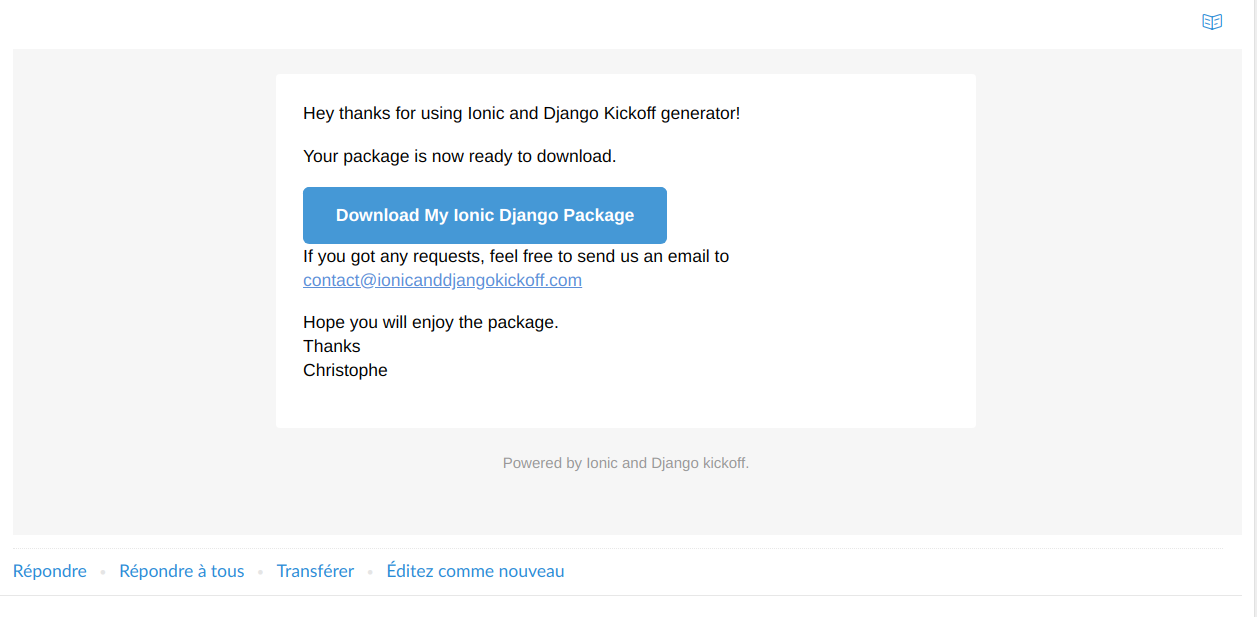
Then you can click on the link, download the zip and extracts here wherever you want. Our Ionic application and Django project has been generated and are ready to use.
Django scaffolded project
API
The generated API with urls, views, serializers.
BO
Your models.py and admin.py (Admin interface) that has been generated (silver,gold,business packages only)
eShop
Your main Django project with settings.py file.
resetpassword
The directory to manage the reset password functionnaly.
Let's dive into each directory for more details.
Setup
First you need to install a virtualenvironment
virtualenv -p python3 venv
source venv/bin/activate
pip install -r requirements.txt
Then you need to configure some environment variable to setup your database:
POSTGRESQL_ADDON_URI = os.getenv("POSTGRESQL_ADDON_URI")
POSTGRESQL_ADDON_PORT = os.getenv("POSTGRESQL_ADDON_PORT")
POSTGRESQL_ADDON_HOST = os.getenv("POSTGRESQL_ADDON_HOST")
POSTGRESQL_ADDON_DB = os.getenv("POSTGRESQL_ADDON_DB")
POSTGRESQL_ADDON_PASSWORD = os.getenv("POSTGRESQL_ADDON_PASSWORD")
POSTGRESQL_ADDON_USER = os.getenv("POSTGRESQL_ADDON_USER")

DATABASES = {
    'default': {
        'ENGINE': 'django.contrib.gis.db.backends.postgis', #''django.db.backends.postgresql_psycopg2',  #'django.db.backends.mysql',
        'NAME': POSTGRESQL_ADDON_DB,
        'USER': POSTGRESQL_ADDON_USER,
        'PASSWORD': POSTGRESQL_ADDON_PASSWORD,
        'HOST': POSTGRESQL_ADDON_HOST,
        'PORT': POSTGRESQL_ADDON_PORT,
        'CONN_MAX_AGE': 1200,
    }
}
Just adapt the SQL driver if you don't want to use PostgreSQL. For instance, you can configure SQLite for testing purpose
DATABASES = {
     'default': {
         'ENGINE': 'django.db.backends.{}'.format(
             os.getenv('DATABASE_ENGINE', 'sqlite3')
         ),
         'NAME': os.getenv('DATABASE_NAME', 'database.sqlite'),
         'HOST': os.getenv('DATABASE_HOST', '127.0.0.1'),
         'PORT': os.getenv('DATABASE_PORT', 5432),
       }
 }
Once done, you can generate your models in database with:
python manage.py makemigrations bo
python manage.py migrate
Because the project is using an AbstractBaseUser, you need first to launch makemigrations bo.
bo is the name of the generated application containing models.py file.
API
The API folder contains 4 files:
- urls.py: The list of available endpoints
- views.py: The implementation of each endpoints
- serializers.py: The serializer of each endpoints
- postman_collection.json: A file ready to import into Postman with each endpoint ready to call.
You can also visit the documentation by visiting http://localhost:8000/documentation on which a Swagger interface has been generated.
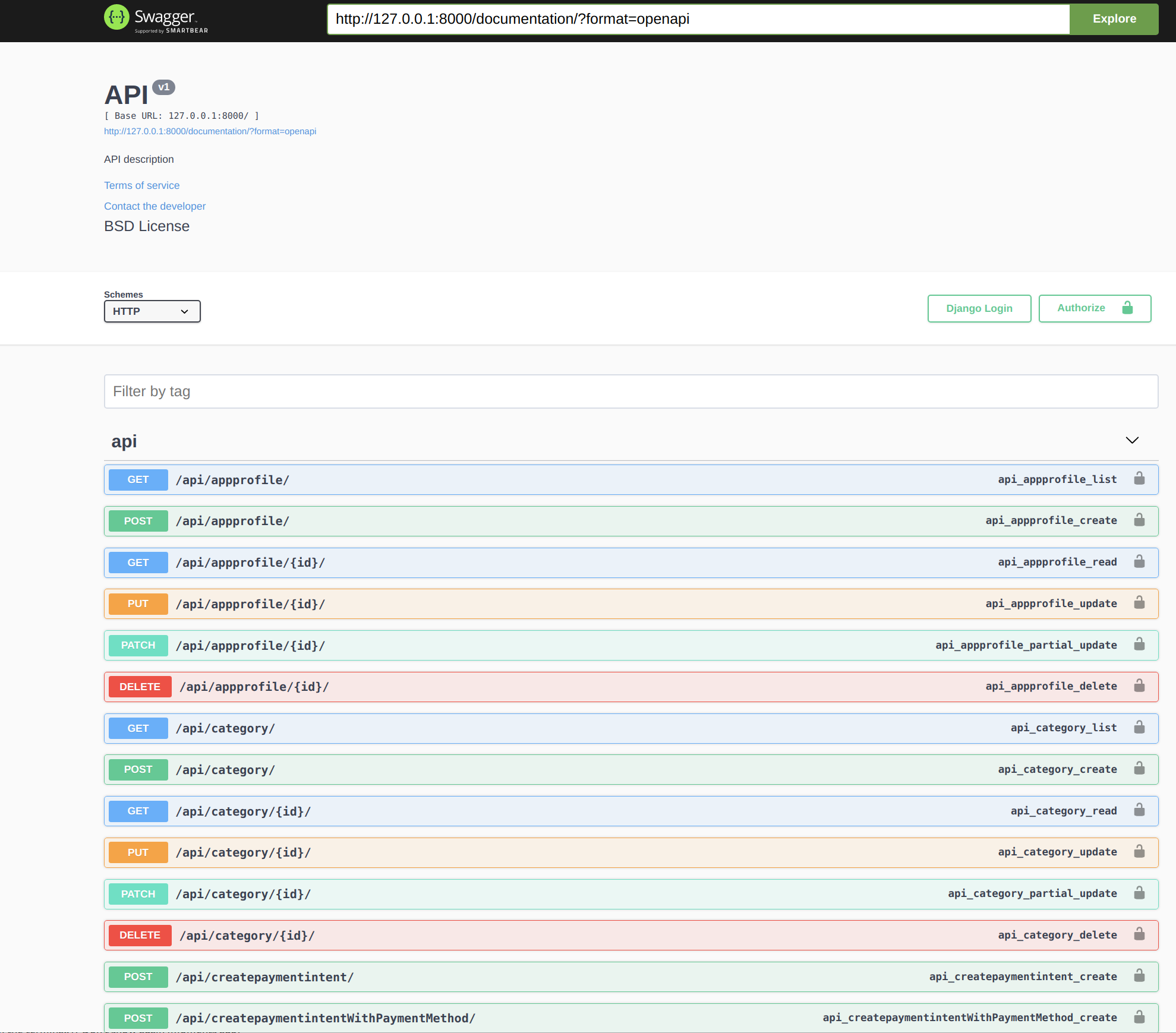
URLs.py : list of generated endpoints
from django.conf.urls import include, url
from .views import *
from rest_framework.decorators import api_view
from rest_framework.routers import DefaultRouter
router = DefaultRouter()

urlpatterns = [
    url(r'^getSetupIntentMethod/$',setupIntentMethod,name='setupIntentMethod'),
    url(r'^createpaymentintent/$',createpaymentintent,name='createpaymentintent'),
    url(r'^createpaymentintentWithPaymentMethod/$',createpaymentintentWithPaymentMethod,name="createpaymentintentWithPaymentMethod"),
    url(r'^createpaymentmethod/$',createpaymentmethod,name='createpaymentmethod'),
    url(r'^createpaymentsubscriptionmethod/$',createpaymentsubscriptionmethod,name='createpaymentsubscriptionmethod'),
    url(r'^stripeSubscriptionStatus/$',stripeSubscriptionStatus,name='stripeSubscriptionStatus'),
    url(r'^endSubscription/$',endSubscription,name='endSubscription'),


  url(r'^user/(?P<pk>[0-9A-Fa-f-]+)/$', UserDetailView.as_view()),
  url(r'^user/$', UserListView.as_view()),

  url(r'^news/(?P<pk>[0-9A-Fa-f-]+)/$', NewsDetailView.as_view()),
  url(r'^news/$', NewsListView.as_view()),

  url(r'^category/(?P<pk>[0-9A-Fa-f-]+)/$', CategoryDetailView.as_view()),
  url(r'^category/$', CategoryListView.as_view()),

  url(r'^product/(?P<pk>[0-9A-Fa-f-]+)/$', ProductDetailView.as_view()),
  url(r'^product/$', ProductListView.as_view()),

  url(r'^order/(?P<pk>[0-9A-Fa-f-]+)/$', OrderDetailView.as_view()),
  url(r'^order/$', OrderListView.as_view()),

  url(r'^orderproduct/(?P<pk>[0-9A-Fa-f-]+)/$', OrderProductDetailView.as_view()),
  url(r'^orderproduct/$', OrderProductListView.as_view()),

  url(r'^stripesubscription/(?P<pk>[0-9A-Fa-f-]+)/$', StripeSubscriptionDetailView.as_view()),
  url(r'^stripesubscription/$', StripeSubscriptionListView.as_view()),

  url(r'^appprofile/(?P<pk>[0-9A-Fa-f-]+)/$', AppProfileDetailView.as_view()),
  url(r'^appprofile/$', AppProfileListView.as_view()),
]
For each entity of our models we have an url to list or create an object, and an url to retrieve, update or delete the object.
Some specific endpoints have been generated to deal with Stripe features
VIEWS.py: List of generated views
For each entity (news, category, product...), we will have a view for listing or creating objects and a view to retrieve, update or delete the object.
class UserListView(generics.ListCreateAPIView):
    permission_classes = [permissions.IsAuthenticated]
    queryset = User.objects.all()
    serializer_class = UserSerializer
    filterset_fields = ['password','last_login','is_superuser','id','email','first_name','last_name','date_joined','is_active','is_staff']
    filter_backends = [DjangoFilterBackend,filters.SearchFilter,filters.OrderingFilter]

    swagger_schema = None
    # Filter for connected user
    def get_queryset(self):
        user = self.request.user
        queryset = User.objects.filter(pk=user.id)
        return queryset


class UserDetailView(generics.RetrieveUpdateDestroyAPIView):
    permission_classes = [permissions.IsAuthenticated]
    queryset = User.objects.all()
    serializer_class = UserSerializer

    swagger_schema = None

    # Filter for connected user
    def get_queryset(self):
        user = self.request.user
        queryset = User.objects.filter(pk=user.id)
        return queryset
Here is the generated views for our User. The User generated code contains an extra method (which is not in other generated views): The defaut queryset has been override to filter data to connected user. Because it could be a security breach. We don't want to expose all users information to our API.
If we look at another generated entity (news) the queryset has not been overrided
class NewsListView(generics.ListCreateAPIView):
    permission_classes = [permissions.IsAuthenticated]
    queryset = News.objects.all()
    serializer_class = NewsSerializer
    filterset_fields = ['id','title','text','createdAt','updatedAt']
    filter_backends = [DjangoFilterBackend,filters.SearchFilter,filters.OrderingFilter]


class NewsDetailView(generics.RetrieveUpdateDestroyAPIView):
    permission_classes = [permissions.IsAuthenticated]
    queryset = News.objects.all()
    serializer_class = NewsSerializer
SERIALIZERS.py: List of generated serializers
This file contains all entities serializers. Example:
class NewsSerializer(ModelSerializer):

    class Meta:
        model = News
        fields = '__all__'
And there is a special serializer for User entity
class AppProfileSerializer(ModelSerializer):
    class Meta:
        model = AppProfile
        fields = '__all__'

class UserSerializer(ModelSerializer):
    appprofile = AppProfileSerializer(many=False)
    devices = SerializerMethodField()
    class Meta:
        model = User
        fields = '__all__'

    def get_devices(self, obj):
        queryset =  FCMDevice.objects.filter(user_id=obj.id)
        return FCMDeviceSerializer(queryset, many=True).data
The User serializer will include all AppProfile information and also all devices related to the user. The device list are related to push management and uses the Django FCM library.
BO
The BO folder contains the following files:
- admin.py: The auto-generated interface which can be reached at http://localhost:8000/backoffice/ url.
- models.py: Your models.py file with extra auto added entities : AppProfile, StripeSubscriptions
- signals.py: Some generics methods to send emails
- urls.py: Urls file with a specific endpoint /stripewebhook to deal with Stripe webhook
- views.py: The implementation of the Stripe webhook endpoint
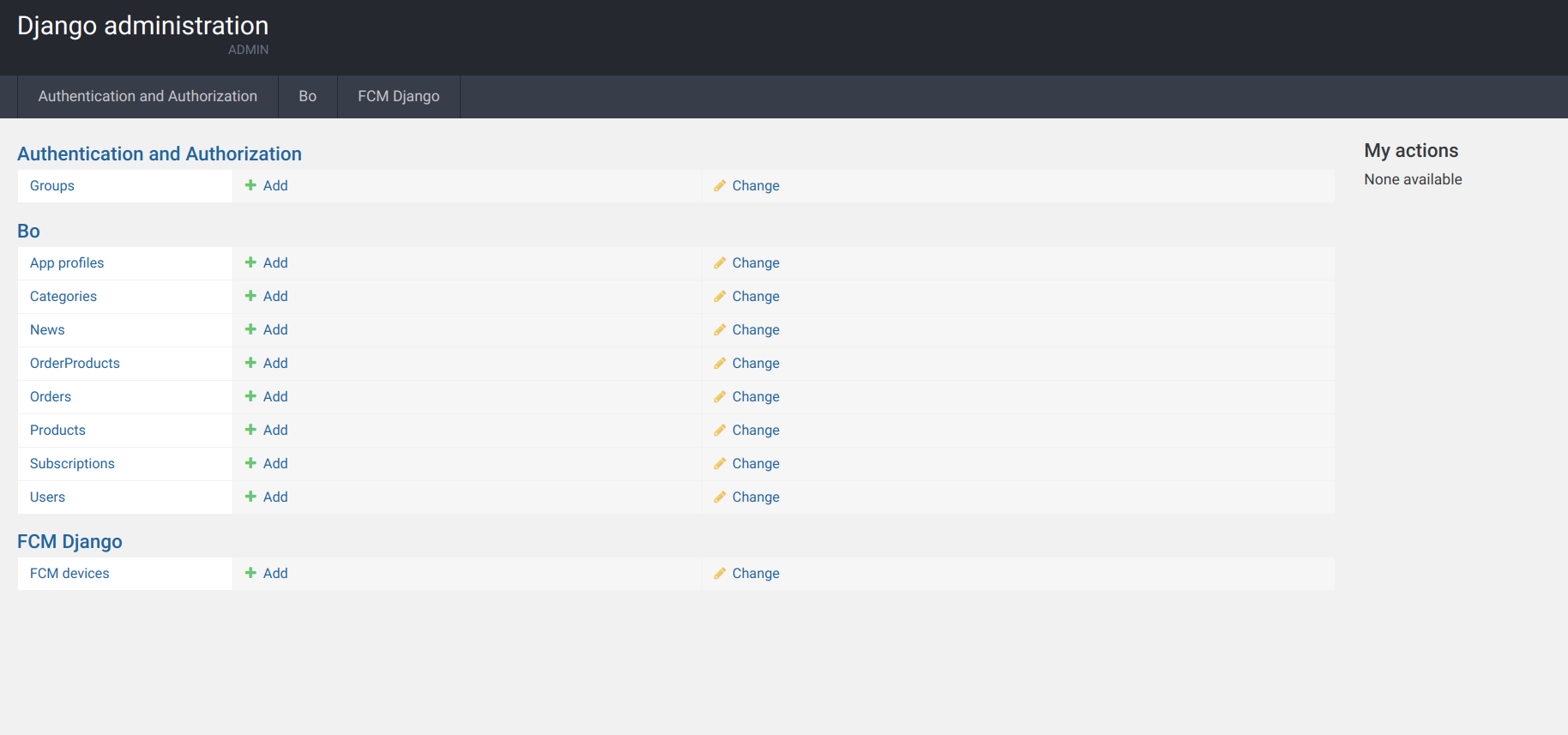
eShop
This folder named with your choosen name, contains :
- settings.py : The settings.py file
- urls.py: The list of endpoints available such as the admin interface (/backoffice), the swagger documentation (/documentation) and other urls specifics to API (/api) or DJOSER for API securisation
Reset password
This folder contains implementation of the reset password process.
Ionic scaffolded project
The Ionic source code is in the Frontend folder.
Setup
First you need to install all required libraires then you can build and serve the project.
npm install
ionic build
ionic serve
You will need to have your Django backend running to be able to test the Ionic application.
Code source organisation
The Ionic code source organisation generated is standard.
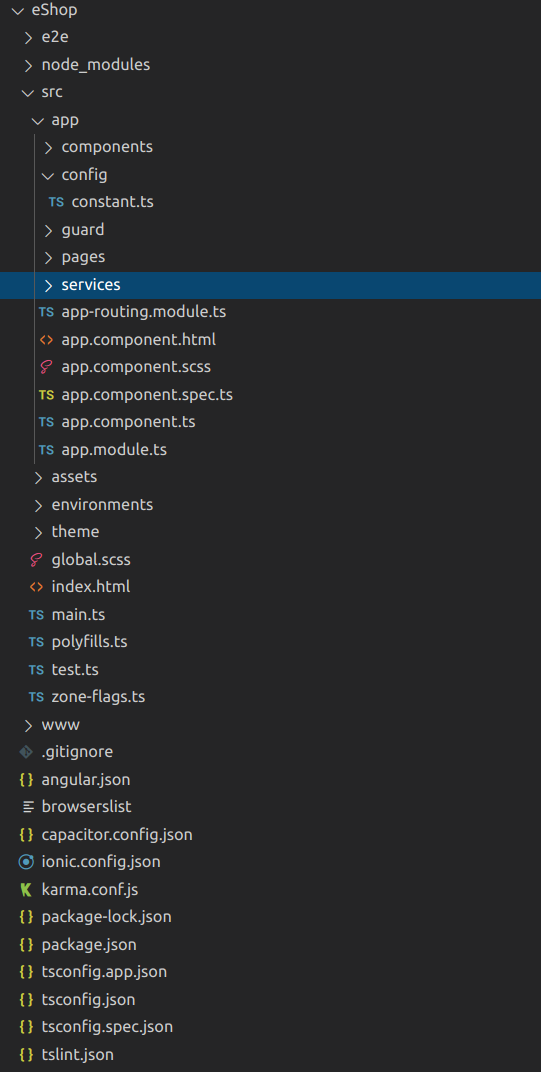
You will find usual folder src which will be composed of
- components: Gold and business only. Common components
- config: with a constant.ts file which contains some constant declaration such as your backend virtual host name
- guard: Auth.guard and AutoLoginGuard to protect access from pages without access
- pages: Will contains the pages which composed the ionic application
- services: Lot of services with a entities.ts script file which contains all your entities and apiservice.service.ts which contains all the generated code for API dialogues.
If you launch your browser on http://localhost:8100 (ionic serve), you will arrive on the Register page. If you already have created a user in the backend (it should be running), then you can click on Login page and sign-in with your user credentials.
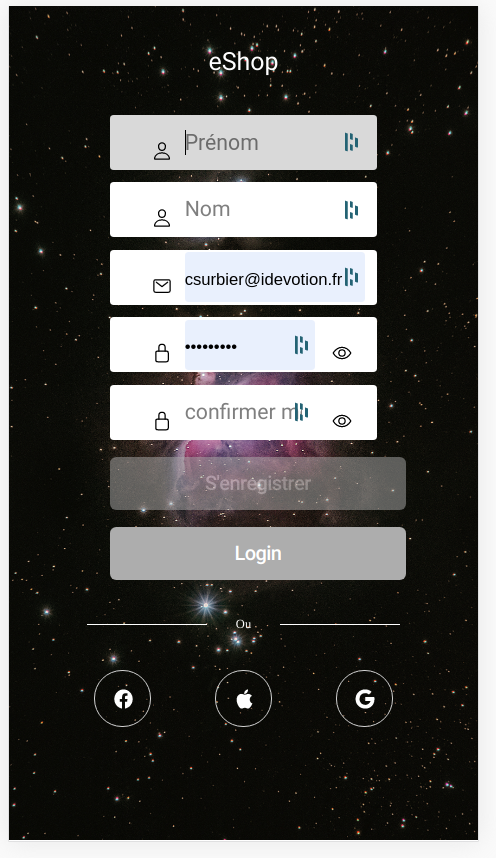
To learn more about the authentication and how the API has been secured you should read this Tutorial
Pages available
If you have downloaded the BASIC package, no page will be delivered but everything else is setup including all the suff for API and authentication
If you have purchased/downloaded the SILVER package, you will find a:
- Register page
- Login page
- Home page
If you have purchased/downloaded the GOLD or BUSINESS packages you will find the additional pages:
- CardTimelinePage : An example on displaying Cards.
- GridCategoryPage : An example on displaying a grid with categories.
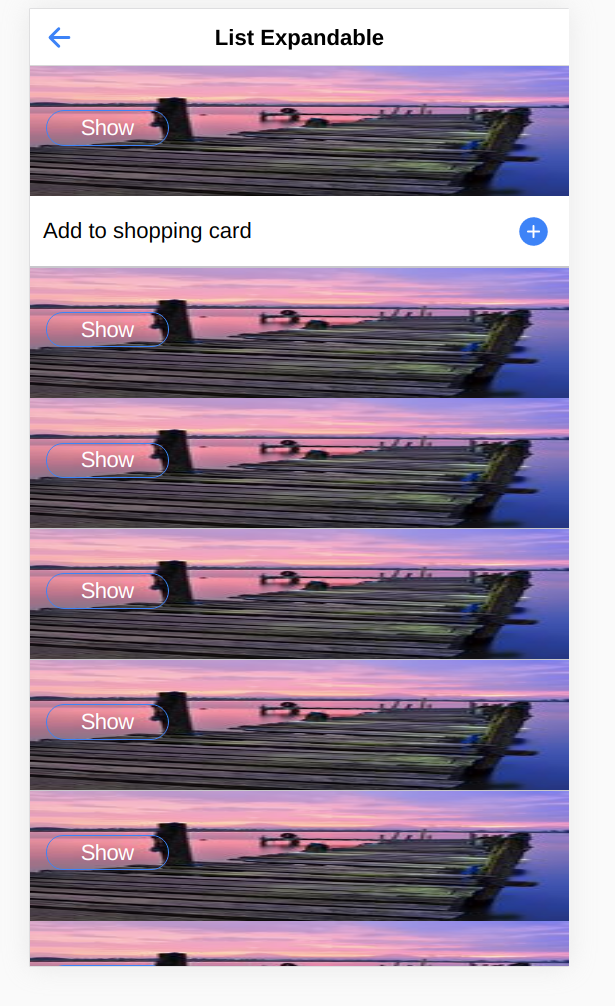
- ListExpandablePage : An example on displaying an expandable list.
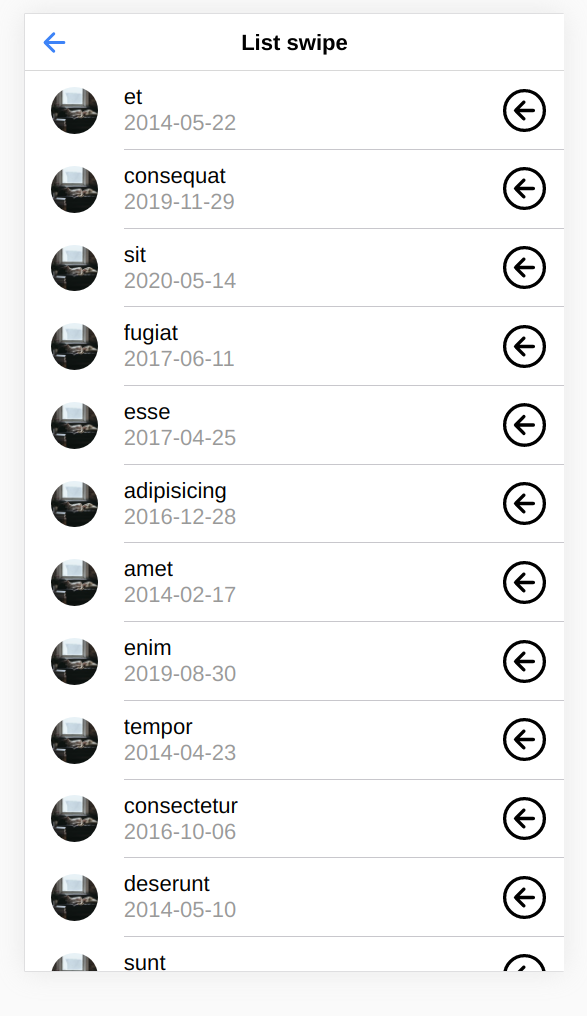
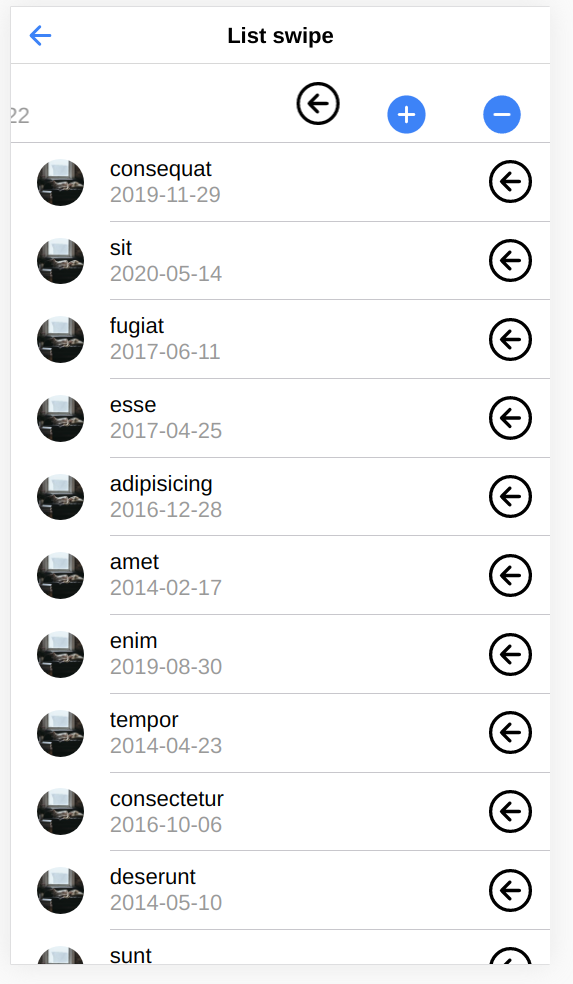
- ListSwipePage : An example on displaying an swipable list.
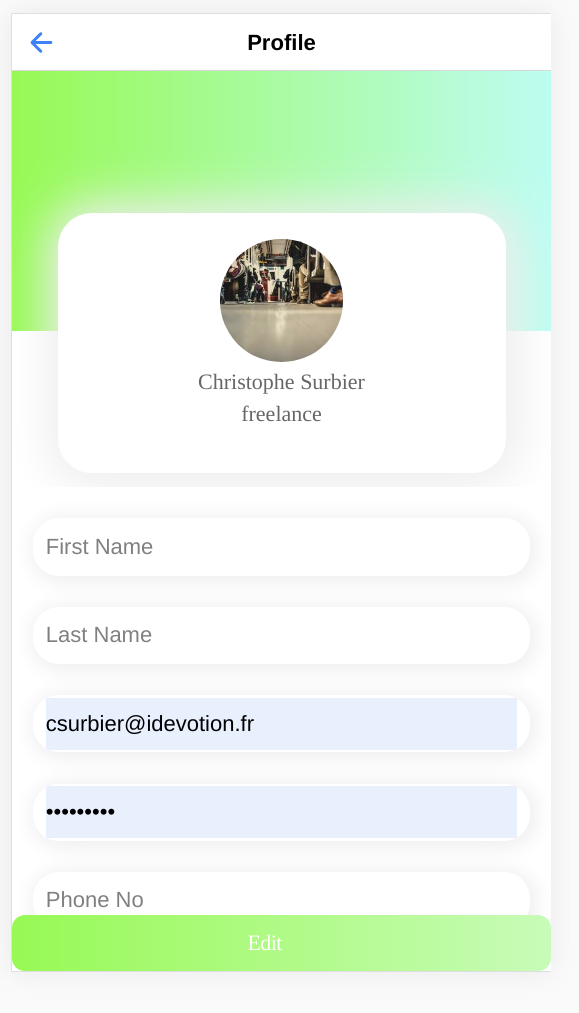
- ProfileOnePage : An example on displaying a profile page.
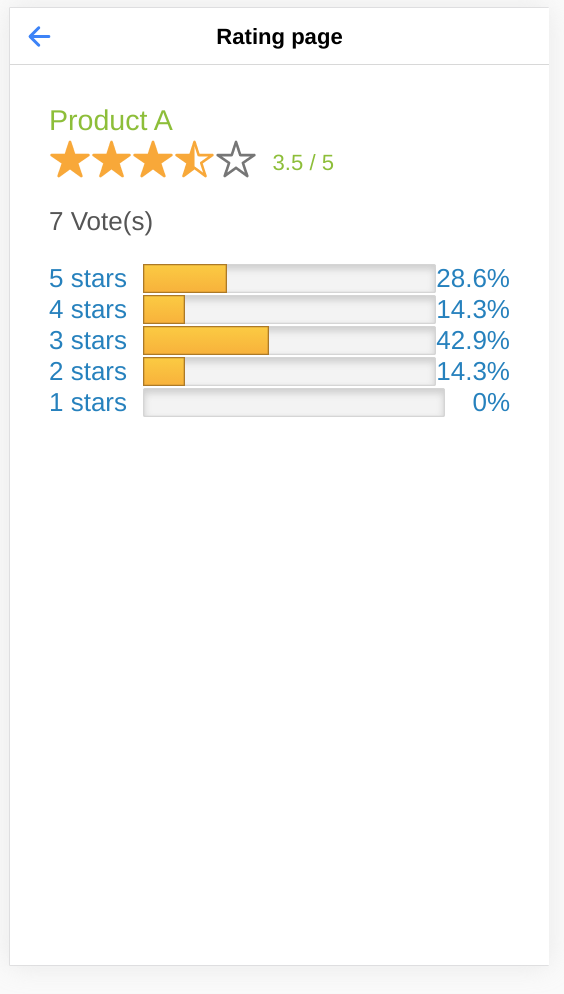
- RatingPageDisplayPage : An example on using a rating component (provided in the components folder.
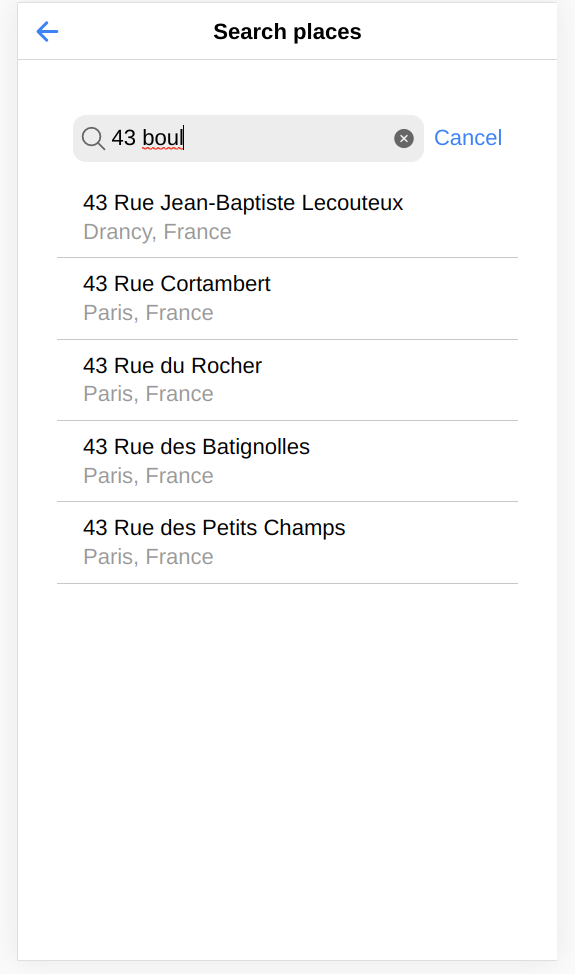
- SearchPlacesPagePage: An example of using the Search Places component. You need to provide a valid Google places API Key.
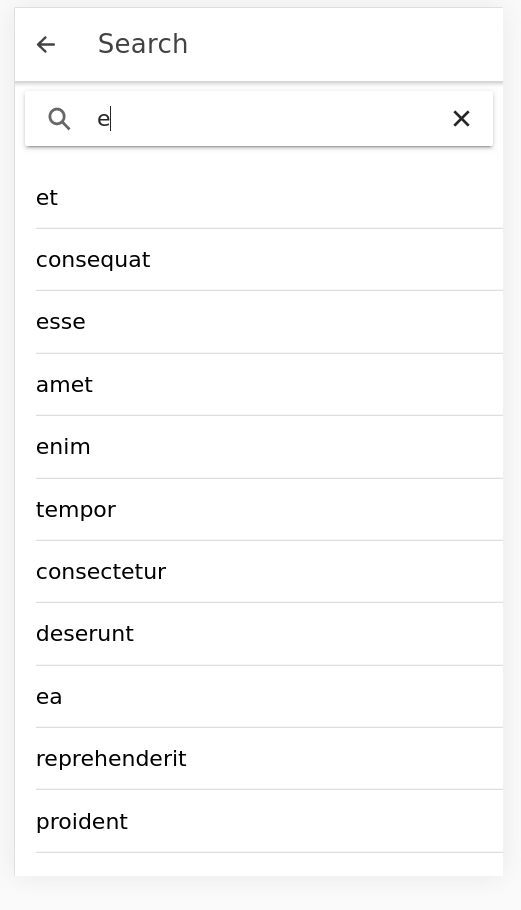
- SearchBarSimplePage: An example search page.
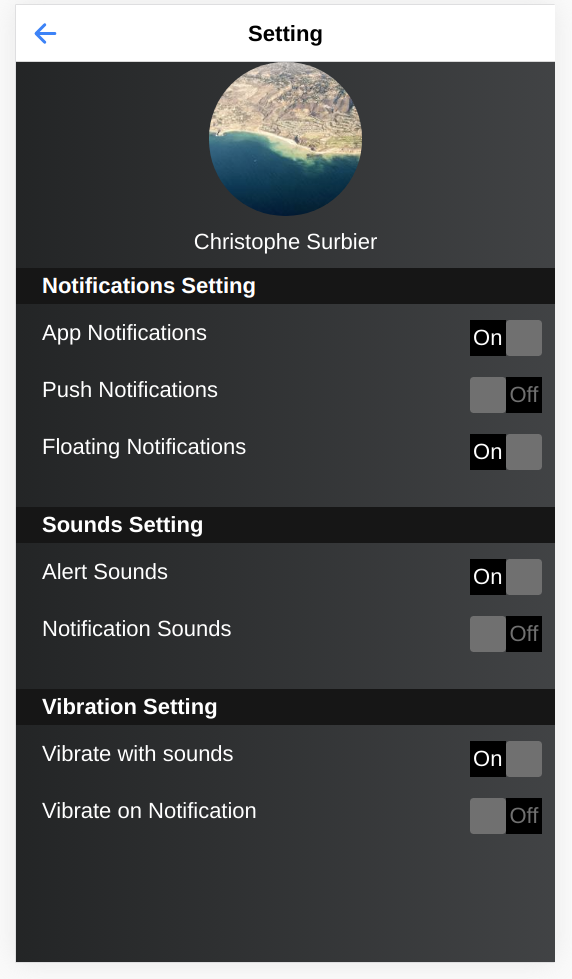
- SettingOnePage: An example of setting page design
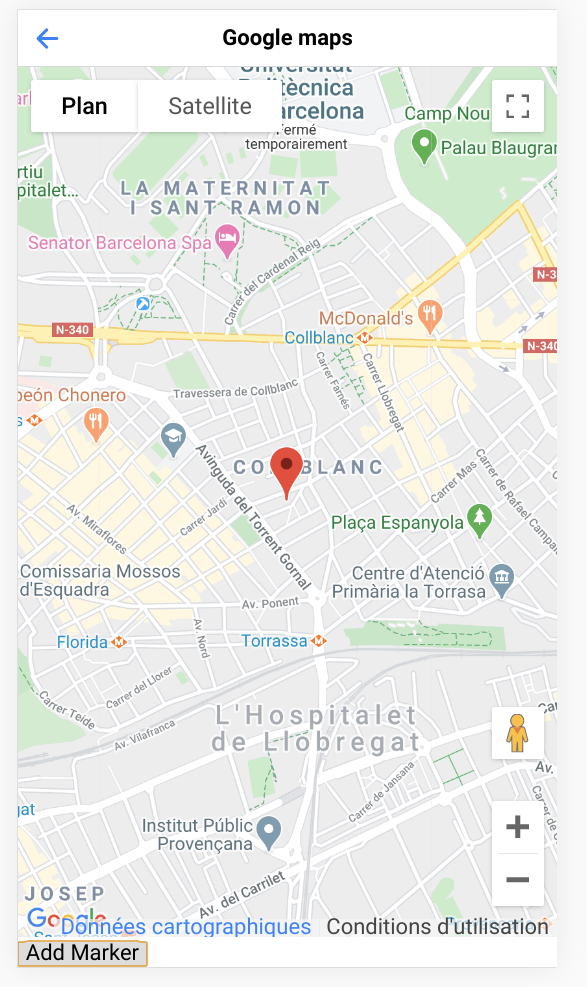
- ShowGoogleMapsPage: An example of using the Google map component. You need to provide a valid Google Map API Key
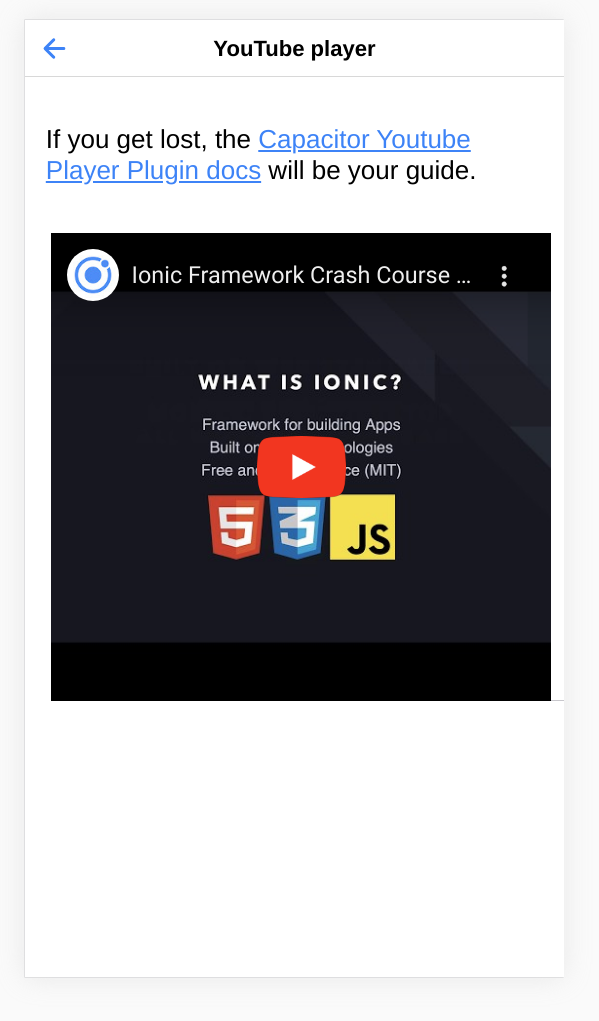
- ShowYouTubePagePage: An example playing a YouTube video in a ionic page
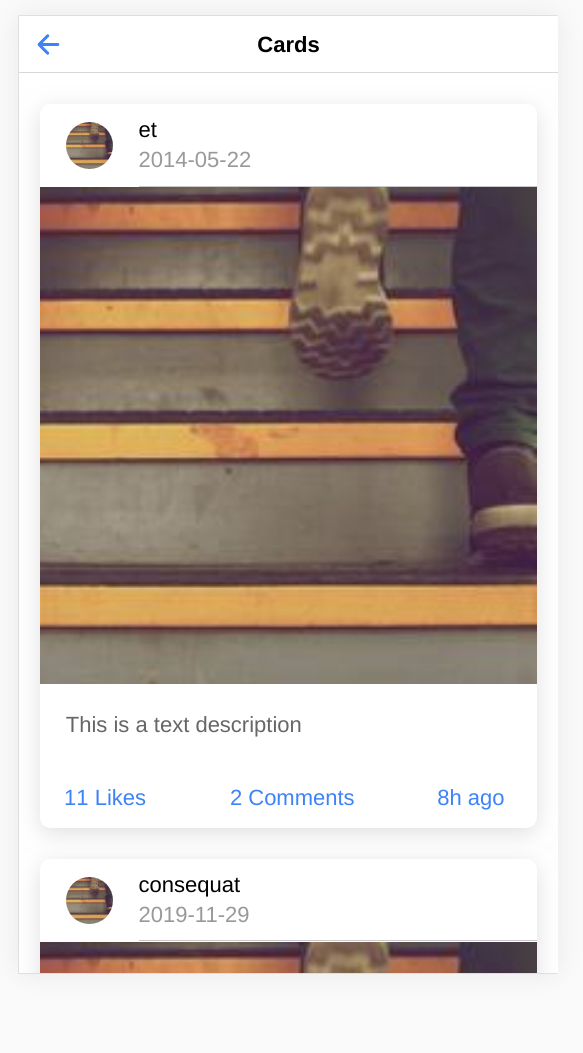
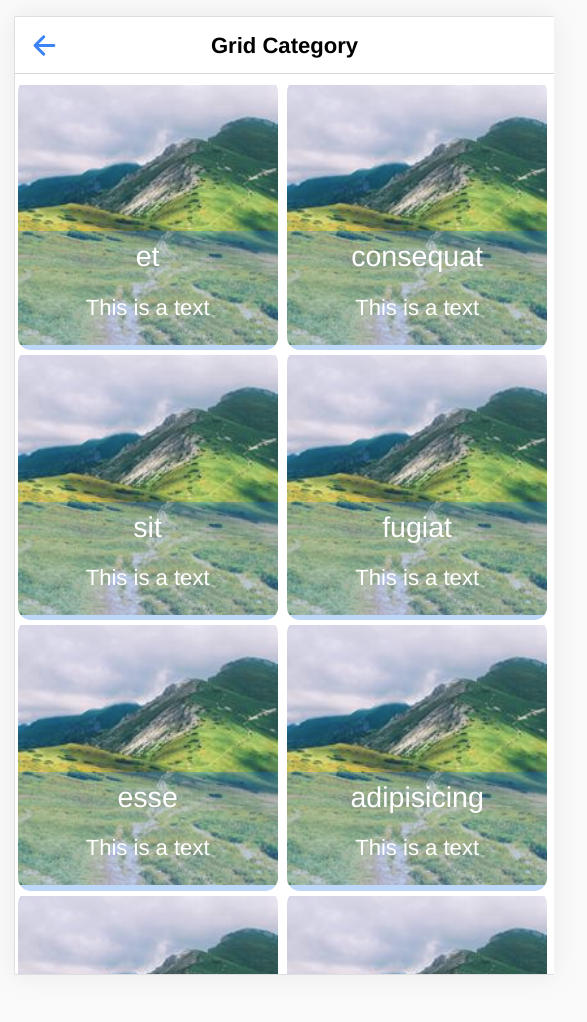
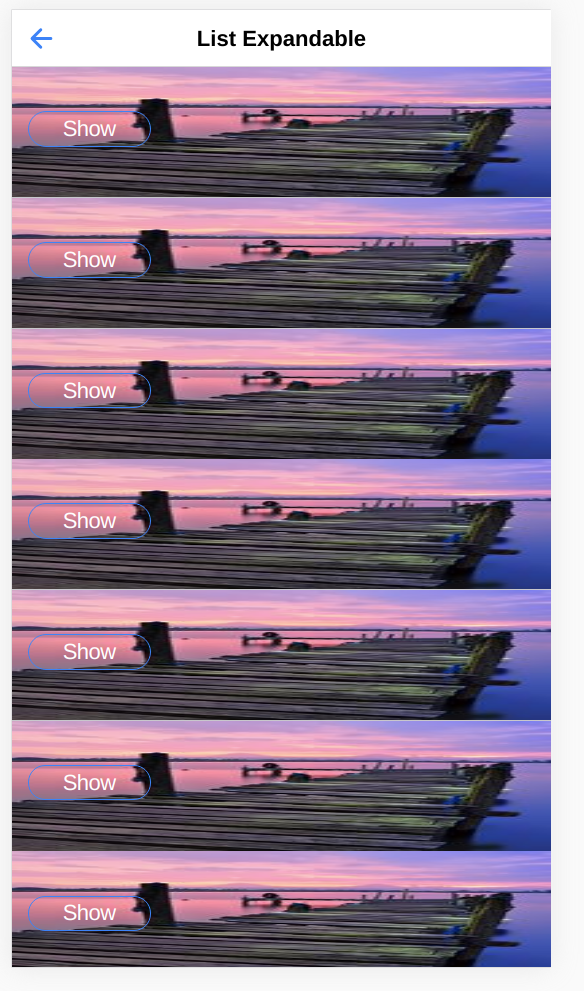
And all STRIPE SCA Ready functionalities can be found in the Stripe folder.
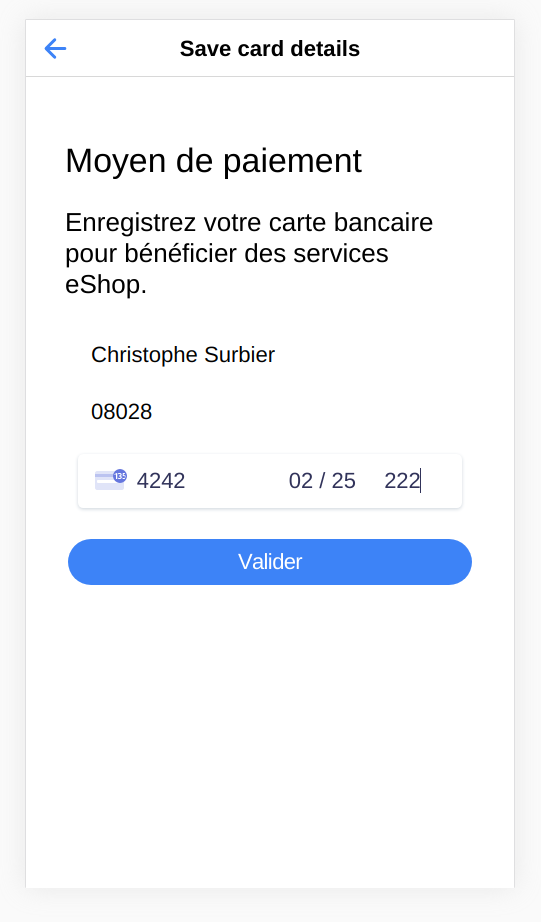
- AuthentificationPaymentPage : An example on how to save Credit Card details with Stripe for later payment
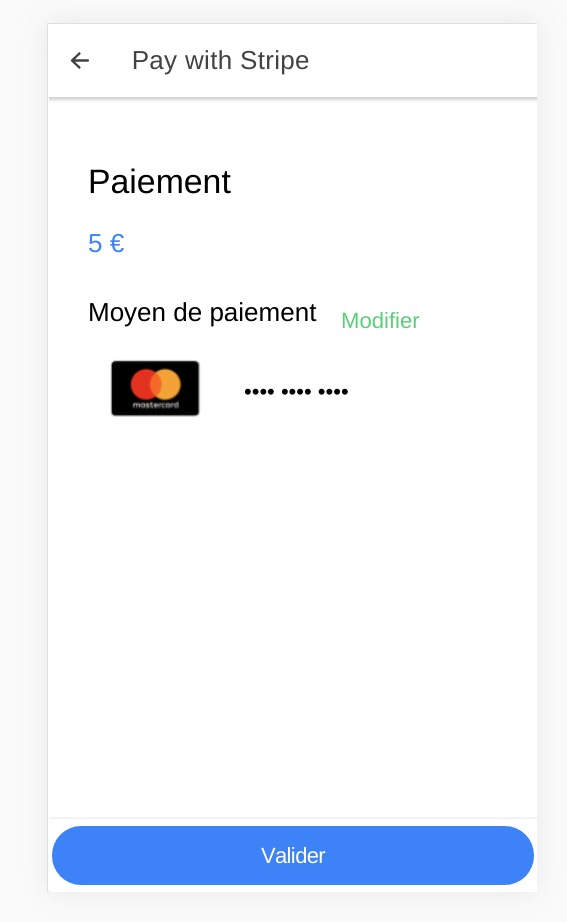
- PayPage : An example on how to use a previously credit card saved with Stripe and pay with it.
- PayStripePage : An example on how to pay with Stripe by entering the credit card details.
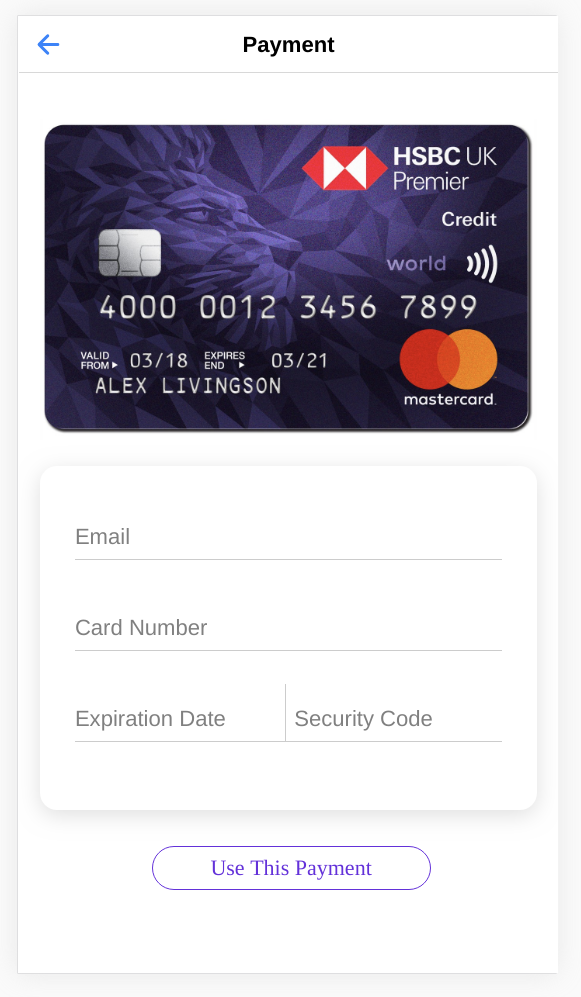
- PaymentPage : This page contains design only.
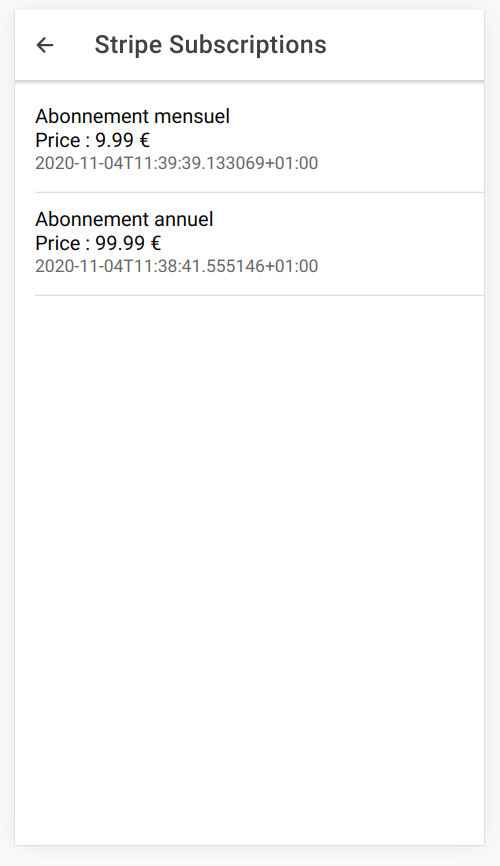
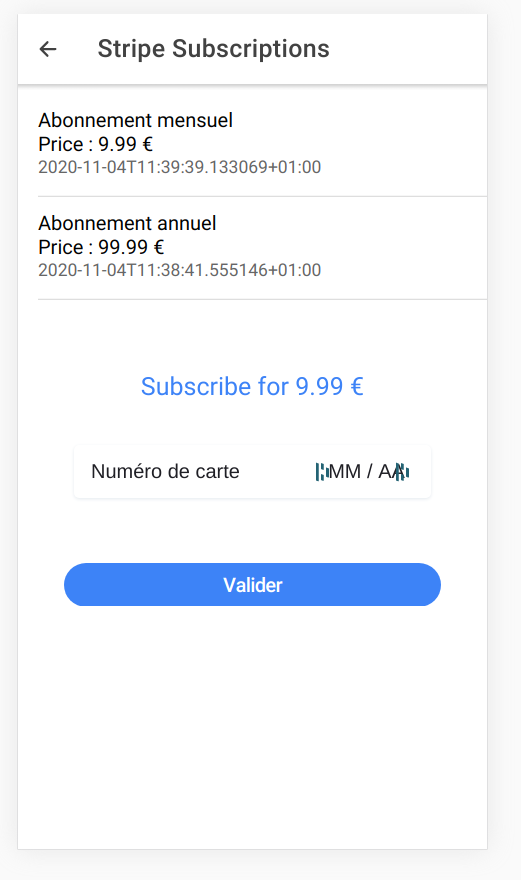
- StripeSubscriptionPage : An example on how to display subscriptions and subscribe or unsubscribe the User with Stripe
Services available
The generated Ionic code contains a lot of services to manage authentication, users, passing data between pages...
The most important service for you is the apiservice.service.ts file. It will contains all the methods to call API
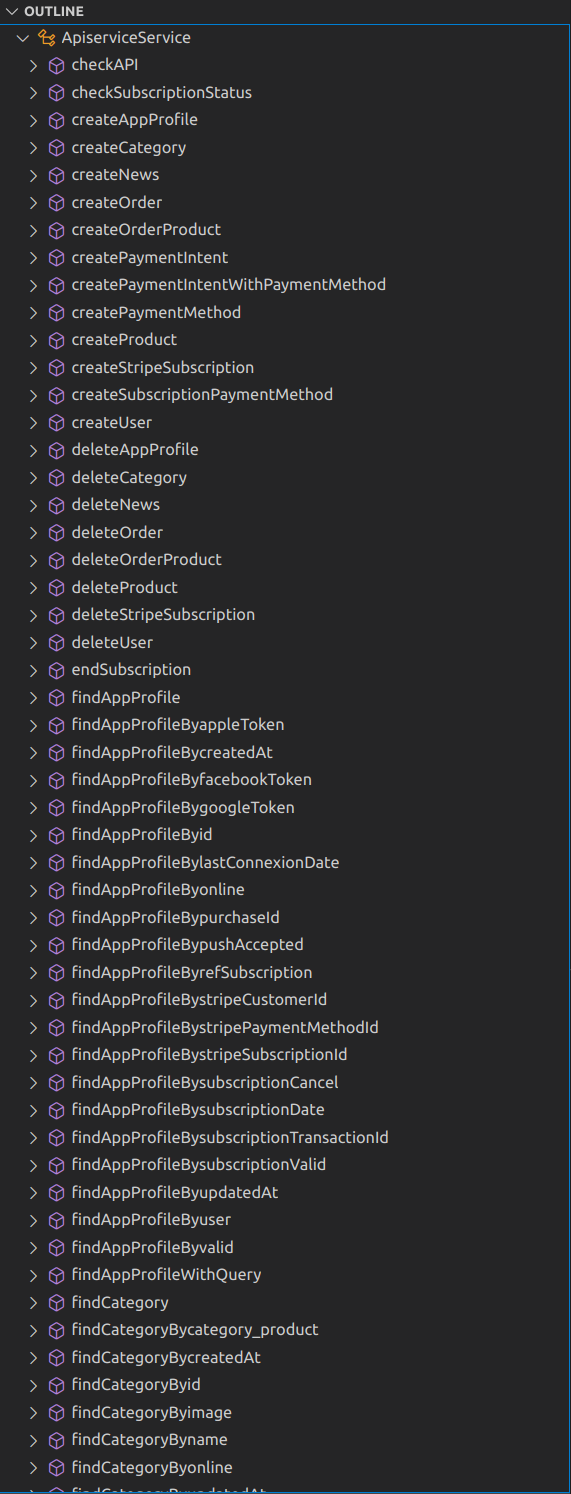
You will find methods to get,find,update,delete each entities and all methods to deal with Stripe features or authentication methods. Let's have a look with the Category entity from our models
  createCategory(modelToCreate) {
        // model JSON
        const options = {
            headers: new HttpHeaders({
                'Content-Type': 'application/json'
            })
        };

        let params = JSON.stringify(modelToCreate)
        console.log("URL " + this.getCategoryUrl)
        return this.http.post(this.getCategoryUrl, modelToCreate, options).pipe(retry(1))
    }


    getAllCategory() {
        let url = this.getCategoryUrl;
        return this.findCategory(url)
    }

    findCategoryWithQuery(query) {
        let url = this.getCategoryUrl + query;
        return this.findCategory(url)
    }


    private findCategory(url) {
        const options = {
            headers: new HttpHeaders({
                'Content-Type': 'application/json'
            })
        };

        return Observable.create(observer => {
            // At this point make a request to your backend to make a real check!
            console.log("call url " + url);
            this.http.get(url, options)
                .pipe(retry(1))
                .subscribe(res => {
                    observer.next(res);
                    observer.complete();
                }, error => {
                    observer.next();
                    observer.complete();
                    console.log(error);// Error getting the data
                });
        });
    }

    findCategoryBycategory_product(parameter) {
        let url = this.getCategoryUrl + "?category_product=" + parameter;
        return this.findCategory(url)
    }
    findCategoryByid(parameter) {
        let url = this.getCategoryUrl + "?id=" + parameter;
        return this.findCategory(url)
    }
    findCategoryByname(parameter) {
        let url = this.getCategoryUrl + "?name=" + parameter;
        return this.findCategory(url)
    }
    findCategoryByimage(parameter) {
        let url = this.getCategoryUrl + "?image=" + parameter;
        return this.findCategory(url)
    }
    findCategoryByonline(parameter) {
        let url = this.getCategoryUrl + "?online=" + parameter;
        return this.findCategory(url)
    }
    findCategoryBycreatedAt(parameter) {
        let url = this.getCategoryUrl + "?createdAt=" + parameter;
        return this.findCategory(url)
    }
    findCategoryByupdatedAt(parameter) {
        let url = this.getCategoryUrl + "?updatedAt=" + parameter;
        return this.findCategory(url)
    }


    getCategoryDetails(id) {
        const options = {
            headers: new HttpHeaders({
                'Authorization': 'Bearer ' + this.tokenSSO,
                'Content-Type': 'application/json'
            })
        };
        return Observable.create(observer => {
            // At this point make a request to your backend to make a real check!
            this.http.get(this.getCategoryUrl + id + "/", options)
                .pipe(retry(1))
                .subscribe(res => {
                    this.networkConnected = true
                    observer.next(res);
                    observer.complete();
                }, error => {
                    observer.next(false);
                    observer.complete();
                    console.log(error);// Error getting the data
                });
        });
    }
    updateCategory(id, patchParams) {
        const options = {
            headers: new HttpHeaders({
                'Content-Type': 'application/json'
            })
        };
        return Observable.create(observer => {
            // At this point make a request to your backend to make a real check!
            this.http.patch(this.getCategoryUrl + id + "/", patchParams, options)
                .pipe(retry(1))
                .subscribe(res => {
                    this.networkConnected = true
                    observer.next(true);
                    observer.complete();
                }, error => {
                    observer.next(false);
                    observer.complete();
                    console.log(error);// Error getting the data
                });
        });
    }

    putCategory(object) {
        const options = {
            headers: new HttpHeaders({
                'Content-Type': 'application/json'
            })
        };
        return Observable.create(observer => {
            // At this point make a request to your backend to make a real check!
            this.http.put(this.getCategoryUrl + object.id + "/", object, options)
                .pipe(retry(1))
                .subscribe(res => {
                    this.networkConnected = true
                    observer.next(true);
                    observer.complete();
                }, error => {
                    observer.next(false);
                    observer.complete();
                    console.log(error);// Error getting the data
                });
        });
    }
    deleteCategory(id) {
        const options = {
            headers: new HttpHeaders({
                'Content-Type': 'application/json'
            })
        };
        return this.http.delete(this.getCategoryUrl + id + "/", options).pipe(retry(1))


    }
The other file that should interest you is the entities.ts file which contains the javascript object for each entity
export class Category {
    category_product: any;
    id: any;
    name: any;
    image: any;
    online: any;
    createdAt: any;
    updatedAt: any;


    constructor() {

    }


    initWithJSON(json): Category {
        for (var key in json) {
            this[key] = json[key];
        }
        return this;
    }
}
Support
You can reach me at contact@ionicanddjangokickoff.com. I will do my best to help you.